
Find your
Coaches, trainers, instructors, nutritionists and physiotherapists, near you or online. Connect, join their team, book your spot and chat, all in one free app.


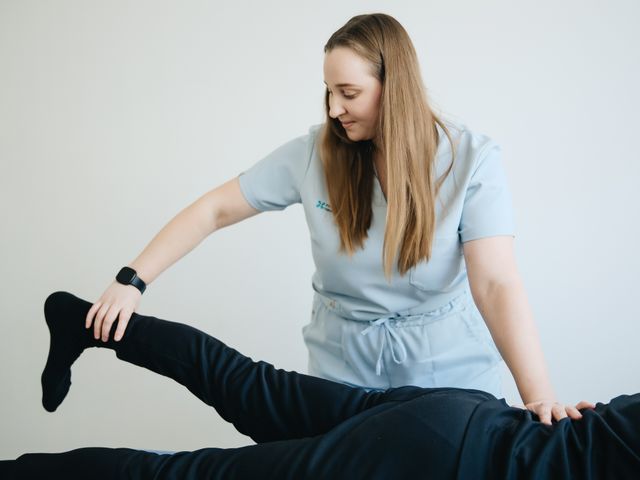 Physiotherapy
 Fitness
 Fitness
Search by activity or city
Whatever your goal, there's a pro for it.
From first search
to your first session.
Frequently asked questions
How do I book a session with a professional?
Find a professional in the app and send them a connection request. Once they accept and add you to their team, open the team, pick a day and tap Reserve on an open session.
How do I cancel or change a reservation?
Open the session from your calendar or the team page and tap Cancel. To change it, cancel and reserve another open session. Each professional sets their own cancellation conditions, so they can differ from one professional to another.
What happens if a session is full?
Tap Join waitlist. If a spot opens, you get a notification and have a limited time to accept it. Each professional decides how long.
How do I pay for my sessions?
You pay the professional directly, the way you agree with them. Evexia doesn’t handle payments today. Paying in advance through the app is coming with the Premium plan.
How do I add clients to my team?
When a client sends you a connection request, accept it in Notifications. Then open your team, tap Invite and choose them from your connections. Only team members can see and book your sessions.
Get Evexia on your phone.
Free on iPhone and Android. Scan the code with your camera.
Are you a fitness, nutrition or physio pro?
Any sport, any specialty. List your services, run your teams and keep every client's history in one place.